Web Hosting for Startups: Speed, Price, and Scalability Explained
Introduction
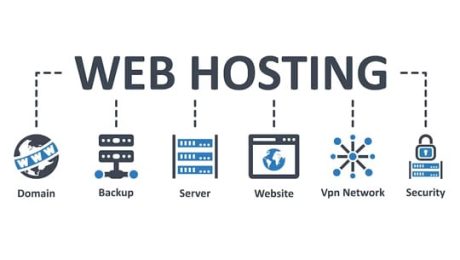
As a startup, the decisions you make early on can set the foundation for your company’s growth, including the choice of web hosting. A reliable web hosting provider can ensure that your website runs smoothly, stays secure, and grows with your business. In this article, we’ll explore the three key factors that startups should consider when choosing a hosting provider: speed, price, and scalability.

Speed
Website speed is vital for retaining visitors and improving your website’s SEO rankings. Slow-loading pages can drive customers away and lead to higher bounce rates. Speed also affects user experience—whether someone is trying to purchase a product or learn more about your service, no one wants to wait for a slow-loading page.
To ensure optimal speed, look for hosting plans that include features like SSD storage, content delivery networks (CDNs), and high-performance servers. Providers such as SiteGround and Bluehost are known for their optimized hosting environments that improve load times.
- Published in Tips & Tricks
Web Hosting Red Flags Every Business Owner Should Know


Introduction
Selecting the right web hosting provider is one of the most important decisions a business owner can make. However, there are many hosting providers out there, and not all are created equal. In this article, we’ll highlight the red flags you should be aware of when choosing a web host to ensure your website runs smoothly and securely.
Red Flag #1: Poor Customer Support

Hosting issues are inevitable, and you need reliable customer support to resolve them quickly. If a hosting provider offers poor or slow customer support, it can lead to prolonged downtimes, security vulnerabilities, and customer frustration. Always ensure that your host offers 24/7 support via multiple channels (live chat, phone, email).
Red Flag #2: Unclear Pricing

If a hosting provider doesn’t clearly disclose its pricing or hides additional fees, it’s a major red flag. Transparent pricing helps avoid any unpleasant surprises down the road. Ensure that you fully understand what’s included in the plan and be aware of any renewal price hikes.
Red Flag #3: Slow Website Speeds

Speed is critical to your website’s performance. A host with slow servers can lead to longer load times, affecting user experience and your website’s SEO rankings. If your hosting provider has a history of slow speeds or poor uptime, consider switching to a more reliable option.
Red Flag #4: No Backup Options

Data loss is a serious concern for any website. If your hosting provider doesn’t include regular backup options, your website could be at risk in case of an issue. Choose a host that offers automated daily backups, ensuring your data is safe.
Conclusion
When choosing a hosting provider for your business, always look for red flags that may indicate poor service, hidden fees, or unreliable performance. By avoiding these pitfalls, you can ensure that your website runs smoothly, securely, and efficiently.
- Published in Tips & Tricks
How Web Hosting Location Affects Your Website Speed

Introduction
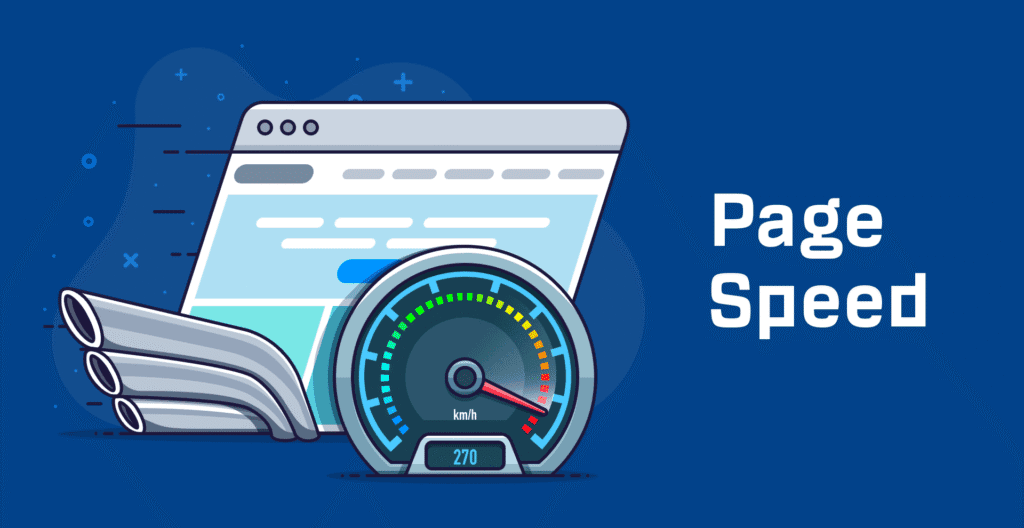
The location of your hosting server plays a vital role in determining the speed and overall performance of your website. In this article, we will explore how server location impacts your site’s loading time and why it’s crucial to choose a hosting provider with strategically located servers.
The Relationship Between Hosting Location and Speed
When someone visits your website, their browser sends a request to your hosting server. The farther the server is from the user’s location, the longer it takes for the data to travel, resulting in slower load times. A faster response time directly contributes to better user experience and improved SEO rankings.
How to Choose the Right Hosting Location

- Target Audience: If your primary audience is located in North America, for example, hosting your site on a server located in the U.S. can significantly reduce latency.
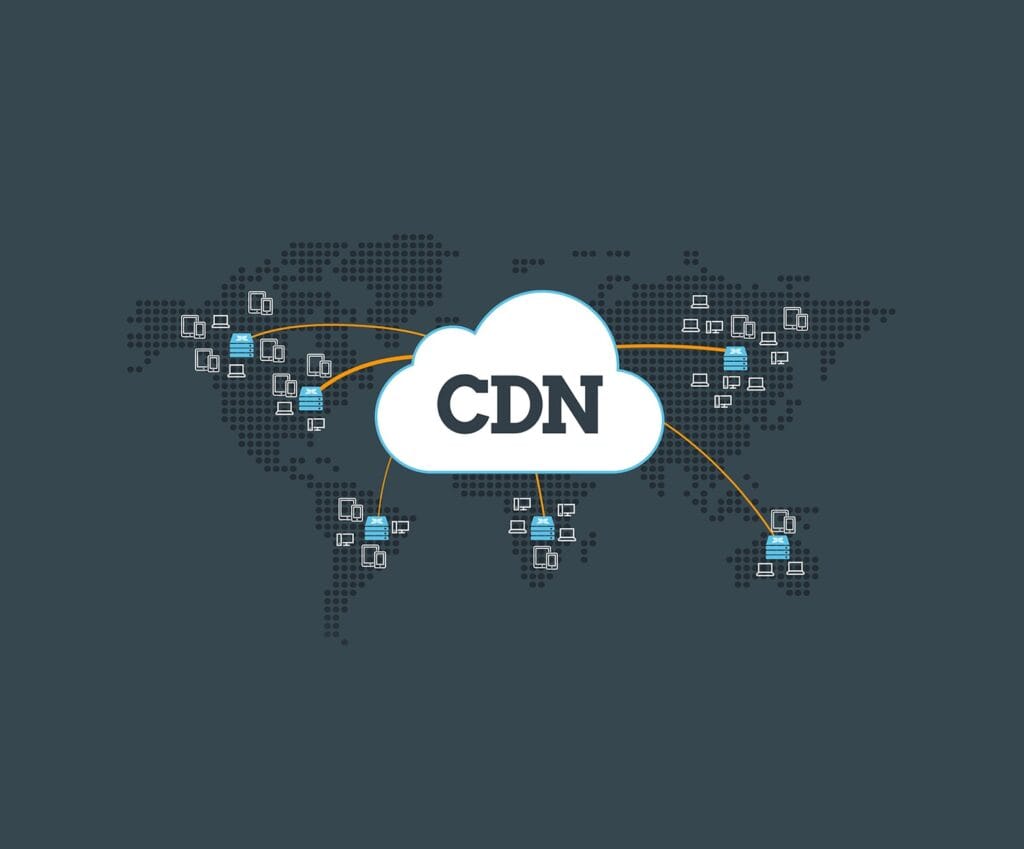
- CDN: A Content Delivery Network (CDN) is a great way to optimize site speed globally. A CDN caches your website’s content and stores it on servers across various locations, allowing users to load the site from a server closest to them, regardless of the main hosting server’s location.

- Local Hosting Providers: For businesses that cater to a specific region, it may be beneficial to choose a hosting provider based within that region. Local hosts typically offer better speeds for regional customers.
Conclusion
Website speed is affected by the location of your hosting server, so choosing a server close to your audience is key for optimal performance. For global websites, using a CDN can help deliver faster content to users around the world. Always consider your target audience’s location when choosing a hosting provider.
- Published in Tips & Tricks
WordPress Hosting vs. Regular Hosting: The Real Difference
Introduction
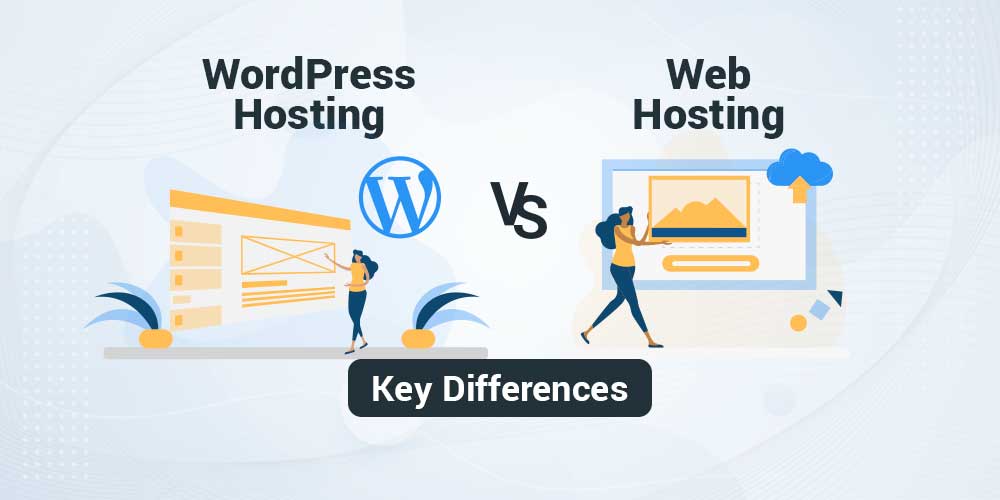
Choosing the right hosting for your website is crucial to its performance and overall success. For WordPress websites, it’s essential to decide between WordPress hosting and regular hosting. While both options can support your site, they have key differences that can affect your website’s speed, security, and ease of management. Let’s explore the key distinctions between WordPress hosting and regular hosting.
What is WordPress Hosting?
WordPress hosting is a specialized form of hosting optimized for running WordPress websites. These hosts are pre-configured with the necessary tools and optimizations to run WordPress effectively. Features often include one-click WordPress installations, automatic updates, and specialized support. The hosting environment is tailored to ensure WordPress sites perform at their best.
(more…)- Published in Tips & Tricks
The Best Web Hosting for WooCommerce Stores in 2025
Introduction
Running an online store requires reliable and high-performance web hosting. When using WooCommerce, the most popular eCommerce plugin for WordPress, you need a hosting provider that can handle high traffic, provide secure payment gateways, and ensure a smooth shopping experience for your customers. Here’s a breakdown of the best web hosting options for WooCommerce stores in 2025.
Why Hosting Matters for WooCommerce
The performance of your online store is directly tied to the quality of your web hosting. Slow load times can deter customers, reduce conversion rates, and hurt your SEO rankings. Therefore, it’s essential to choose a host that can deliver fast loading times, excellent security, and the necessary resources to run your eCommerce website effectively.
Top Hosting Providers for WooCommerce in 2025

- SiteGround: Known for its excellent customer support and speed, SiteGround offers specialized WooCommerce hosting with optimized configurations. Their plans include features like free CDN, enhanced security, and automatic updates, making it a great choice for store owners.
- WP Engine: If you want a premium managed WordPress hosting experience, WP Engine is a top-tier choice for WooCommerce stores. They offer a high-performance environment with features such as one-click staging, enhanced security, and automatic backups.
- Published in Tips & Tricks