
Introduction
Selecting the right web hosting provider is one of the most important decisions a business owner can make. However, there are many hosting providers out there, and not all are created equal. In this article, we’ll highlight the red flags you should be aware of when choosing a web host to ensure your website runs smoothly and securely.
Red Flag #1: Poor Customer Support

Hosting issues are inevitable, and you need reliable customer support to resolve them quickly. If a hosting provider offers poor or slow customer support, it can lead to prolonged downtimes, security vulnerabilities, and customer frustration. Always ensure that your host offers 24/7 support via multiple channels (live chat, phone, email).
Red Flag #2: Unclear Pricing

If a hosting provider doesn’t clearly disclose its pricing or hides additional fees, it’s a major red flag. Transparent pricing helps avoid any unpleasant surprises down the road. Ensure that you fully understand what’s included in the plan and be aware of any renewal price hikes.
Red Flag #3: Slow Website Speeds

Speed is critical to your website’s performance. A host with slow servers can lead to longer load times, affecting user experience and your website’s SEO rankings. If your hosting provider has a history of slow speeds or poor uptime, consider switching to a more reliable option.
Red Flag #4: No Backup Options

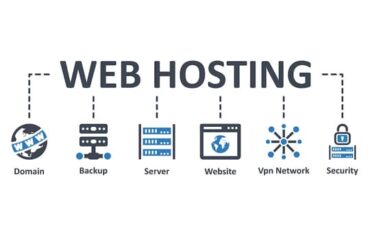
Data loss is a serious concern for any website. If your hosting provider doesn’t include regular backup options, your website could be at risk in case of an issue. Choose a host that offers automated daily backups, ensuring your data is safe.
Conclusion
When choosing a hosting provider for your business, always look for red flags that may indicate poor service, hidden fees, or unreliable performance. By avoiding these pitfalls, you can ensure that your website runs smoothly, securely, and efficiently.


You must be logged in to post a comment.